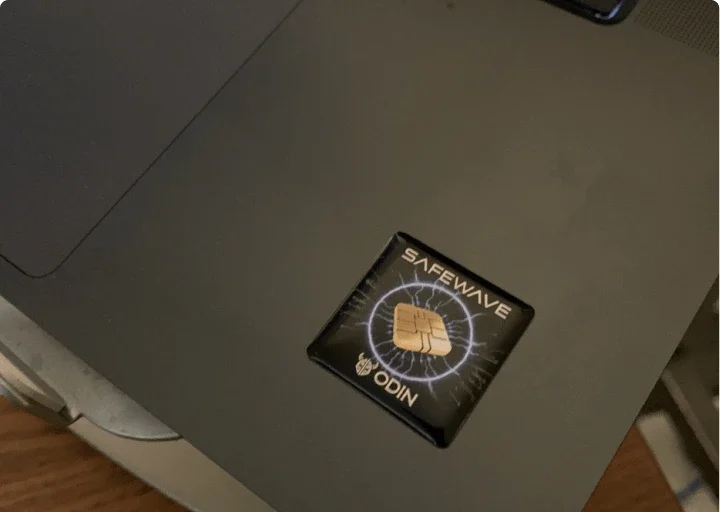
An ultra-thin sticker for the back of your phone, tablet, laptop or router. ODIN says its built-in shielding layer is
designed to help reduce the EMF energy you absorb from your devices, while they keep working as usual.
Peel, stick and leave it: no apps, no charging
Ultra-thin, made to fit under a phone case
Wi-Fi, Bluetooth and charging work as normal, says ODIN
"Wi-Fi and Bluetooth still work fine." Zero interference with Wi-Fi or Bluetooth, and it's held up better than I
expected. Lacey H., Verified Customer
Peel and stick
Ultra-thin
No apps or charging
No signal interference
For phones, laptops and more
Why ODIN SafeWave
A small, low-profile sticker you apply once and leave in place on the devices you use every day.
Built-in shielding layer
A thin sticker with a shielding layer inside
Each SafeWave is a layered sticker with a built-in EMF shielding layer. ODIN describes its field-disrupting materials as
designed to help reduce the amount of EMF energy your body absorbs from devices like phones, tablets and routers.
Zero setup
Peel, stick, and forget about it
No apps, no charging, no syncing and no settings. Peel off the backing, press it in place, and keep using your tech the way you always have.
"I like that it doesn't try to sell me some complicated system. It's simple, well-made." Marcus W.
Discreet
Slim enough for any device
It is slim and durable, with a strong adhesive, and fits under a phone case or inside an earbud charging case. Your tech
looks and works the way it did before.
"You can't see them, they don't get in the way." Sarah M.
We've got these on the kids' tablets, the router, and both our phones. You can't see them, they don't get in the way, and it just feels good knowing we're doing something smart.
Sarah M. · Verified Customer
★★★★★
Wi-Fi and Bluetooth still work fine
I keep one on my laptop and another on my phone for months. Zero interference with Wi-Fi or Bluetooth, and it's held up better than I expected.
Lacey H. · Verified Customer
★★★★★
Easy to use
I like that it doesn't try to sell me some complicated system. It's simple, well-made.
Marcus W. · Verified Customer
Frequently asked questions
How does ODIN SafeWave work?
ODIN says the sticker uses layered, field-disrupting materials designed to help reduce the amount of EMF energy your body absorbs from devices like phones, tablets and routers.
Will it affect my Wi-Fi, Bluetooth or signal?
ODIN says no: Bluetooth, Wi-Fi and charging keep working as normal.
Where should I put it?
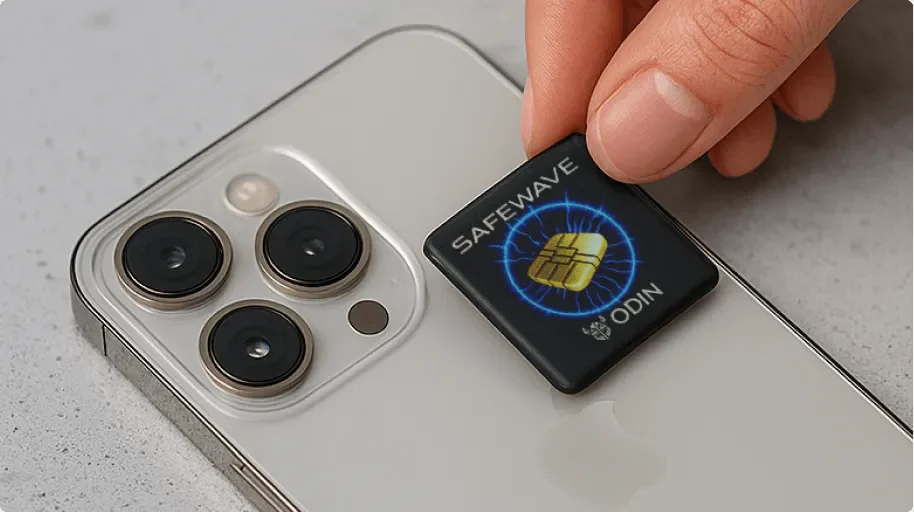
On the back of your phone, inside your case, or directly on your laptop, tablet, earbuds or router: any device you use regularly.
How do I apply it?
Clean the surface with mild soap and water to remove oils and dust. Once it is completely dry, peel the backing, position the sticker and press firmly for 2 minutes to set the adhesive.
Does it wear out over time?
ODIN says it is built to last: the adhesive holds, and the shielding layer is made to stand up to heat, moisture and normal daily use.
How many do I need?
One per device. If you want to cover a phone, laptop, tablet and Wi-Fi router, ODIN suggests a multi-pack.
Can I move it from one device to another?
You can, but the adhesive is made for a firm hold, so it may not stick as well after being removed.
Where does it ship from?
All packages ship from the United States.
What if it is not for me?
You have 30 days to send it back in the original packaging for a full refund or a replacement, less shipping and handling.
Get ODIN SafeWave™ at 70% off
One thin sticker per device and no setup, 70% off on the official store today.



 Smartphones
 Tablets
 Computers
 Wi-Fi routers
 Earphones
 Smart TVs